
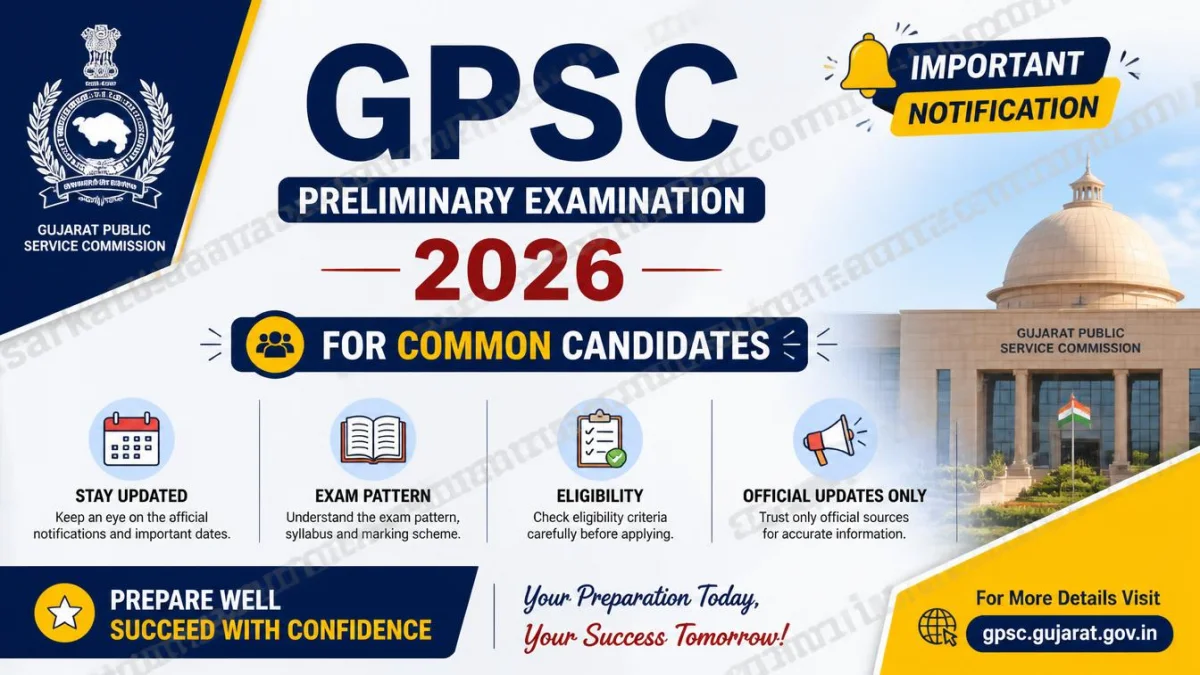
GPSC Preliminary Examination 2026 – Overview
The Gujarat Public Service Commission (GPSC) has issued an official notification for candidates appearing in multiple preliminary examinations scheduled on 13 August 2026. This notice provides crucial instructions for candidates who have applied for more than one post under different advertisement numbers and need to submit a Self‑Declaration Form online.
📢 Key Highlights
- Issuing Authority: Gujarat Public Service Commission (GPSC)
- Official Website: https://gpsc.gujarat.gov.in
- Examination Date: 13 August 2026
- Time: 03:00 PM – 04:00 PM
- Mode: Offline (at designated centers)
- Self‑Declaration Submission: Online via https://gpsc‑ojas.gujarat.gov.in
🧾 Examination Details
| Sr. No. | Name of Post | Advertisement No. |
|---|---|---|
| 1 | Factory Inspector, Industrial Safety and Health, Class‑1 | 34/2026‑27 |
| 2 | Industrial Safety and Health Officer, Class‑2 | 39/2026‑27 |
⚠️ Important Instructions for Common Candidates
- Candidates who have applied for more than one post under the above advertisements must submit a Self‑Declaration Form online.
- The form must be filled at https://gpsc‑ojas.gujarat.gov.in/CommonApplication.aspx.
- Click on “Self‑Declaration for Common Application” and enter your Confirmation Number and Date of Birth.
- After submission, download and save the PDF copy of the Self‑Declaration for future reference.
- Failure to submit the Self‑Declaration may result in non‑consideration of marks for one or more papers.
📍 Additional Notes
- Candidates appearing for multiple exams will receive a combined admit card for the respective centers.
- Marks obtained in one subject will not be counted for other posts unless the Self‑Declaration is properly submitted.
- All instructions must be followed carefully to ensure eligibility for evaluation.
GPSC Preliminary Examination 2026 – Online Self‑Declaration Process & Verification Steps
After understanding the notification details in Part 1, this section provides a complete guide on how candidates can fill out the Self‑Declaration Form online for the Gujarat Public Service Commission (GPSC) Preliminary Examination 2026. This process is mandatory for candidates who have applied for multiple posts under Advertisement Nos. 34/2026‑27 and 39/2026‑27.
🧭 Step‑by‑Step Process for Online Self‑Declaration
Follow these steps carefully to complete your Self‑Declaration on the GPSC OJAS portal:
- 🔹 Visit the official website: https://gpsc‑ojas.gujarat.gov.in.
- 🔹 On the homepage, click on the “Self‑Declaration” menu option.
- 🔹 Select “Online Self‑Declaration for Common Application”.
- 🔹 Enter your Confirmation Number and Date of Birth exactly as mentioned in your application.
- 🔹 Fill in all required details carefully, ensuring accuracy in advertisement numbers and post names.
- 🔹 Complete the CAPTCHA verification and click on “OK”.
- 🔹 Review the information displayed on the screen and confirm submission.
- 🔹 Download the generated PDF copy of your Self‑Declaration and save it for future reference.
Tip: Take a screenshot of the confirmation page immediately after submission to avoid any technical issues later.
📋 Verification Procedure
- ✅ The GPSC system automatically verifies the Self‑Declaration against your registered applications.
- ✅ Only candidates who have successfully submitted the form will be considered for evaluation in all relevant subjects.
- ✅ If the Self‑Declaration is incomplete or missing, marks for one or more papers may not be counted.
- ✅ Candidates must ensure that their details match across all applications (name, confirmation number, and date of birth).
⚠️ Important Notes
- 🕒 The Self‑Declaration must be submitted before the examination date (13 August 2026).
- 📄 Candidates who fail to submit the form will not be eligible for combined evaluation.
- 💻 The online system will display a green confirmation screen once the declaration is accepted.
- 📧 No separate confirmation email will be sent; the on‑screen message serves as proof of submission.
GPSC Preliminary Examination 2026 – Common Issues & Troubleshooting Guide
After explaining the online Self‑Declaration process in Part 2, this section highlights the common problems candidates facesolutions and troubleshooting tips.
⚠️ Common Issues Faced by Candidates
- ❌ Incorrect Confirmation Number: Entering the wrong confirmation number or leaving it blank prevents submission.
- ❌ Date of Birth Mismatch: If the DOB entered does not match the application record, the system rejects the form.
- ❌ CAPTCHA Errors: Mistyping or skipping CAPTCHA verification leads to repeated failures.
- ❌ Incomplete Details: Missing advertisement numbers or post names results in invalid declaration.
- ❌ Technical Glitches: Slow internet or browser compatibility issues may cause the page to freeze or fail to load.
- ❌ No PDF Download: Some candidates forget to save the PDF copy after submission, losing proof of declaration.
🛠️ Troubleshooting Tips
- ✅ Double‑check your Confirmation Number and Date of Birth before submission.
- ✅ Use a reliable browser (Google Chrome or Microsoft Edge) and clear cache/cookies if the page doesn’t load.
- ✅ Ensure a stable internet connection to avoid interruptions during submission.
- ✅ Carefully enter CAPTCHA characters; refresh if unclear.
- ✅ Always review the details displayed on the confirmation screen before clicking “OK.”
- ✅ Immediately download and save the PDF copy of your Self‑Declaration for future reference.
- ✅ Take a screenshot of the confirmation page as backup proof.
📋 Best Practices
- Submit the Self‑Declaration well before the deadline to avoid last‑minute technical issues.
- Keep all application details (advertisement numbers, confirmation numbers) handy while filling the form.
- Verify that your details match across all applications to ensure smooth verification.
- Check the GPSC website regularly for updates and announcements.
GPSC Preliminary Examination 2026 – FAQs and Conclusion
After discussing common issues and troubleshooting in Part 3, this final section addresses frequently asked questions about the Self‑Declaration process for the Gujarat Public Service Commission (GPSC) Preliminary Examination 2026 and provides a concluding summary.
❓ Frequently Asked Questions (FAQs)
Q1. Who needs to submit the Self‑Declaration Form?
Only candidates who have applied for multiple posts under Advertisement Nos. 34/2026‑27 and 39/2026‑27 must submit the Self‑Declaration Form online.
Q2. What is the deadline for submission?
The Self‑Declaration must be submitted before the examination date (13 August 2026). Late submissions will not be accepted.
Q3. Where can I submit the Self‑Declaration?
It must be submitted online through the GPSC OJAS portal: https://gpsc‑ojas.gujarat.gov.in.
Q4. What happens if I don’t submit the form?
If the Self‑Declaration is not submitted, marks obtained in one or more papers may not be considered, and the candidate’s evaluation will be incomplete.
Q5. How do I confirm successful submission?
After submission, the system displays a green confirmation screen
No, once submitted, the Self‑Declaration cannot be edited. Candidates must ensure accuracy before final confirmation. The GPSC Preliminary Examination 2026 Self‑Declaration process ensures fair evaluation for candidates appearing in multiple posts. By submitting the form online, candidates confirm their participation across different advertisements and secure proper consideration of their marks. Timely submission, accurate details, and careful verification are essential for eligibility. With this transparent system, GPSC continues to uphold fairness and efficiency in recruitment.Q6. Can I edit the Self‑Declaration after submission?
📌 Final Tips for Candidates
🏁 Conclusion