
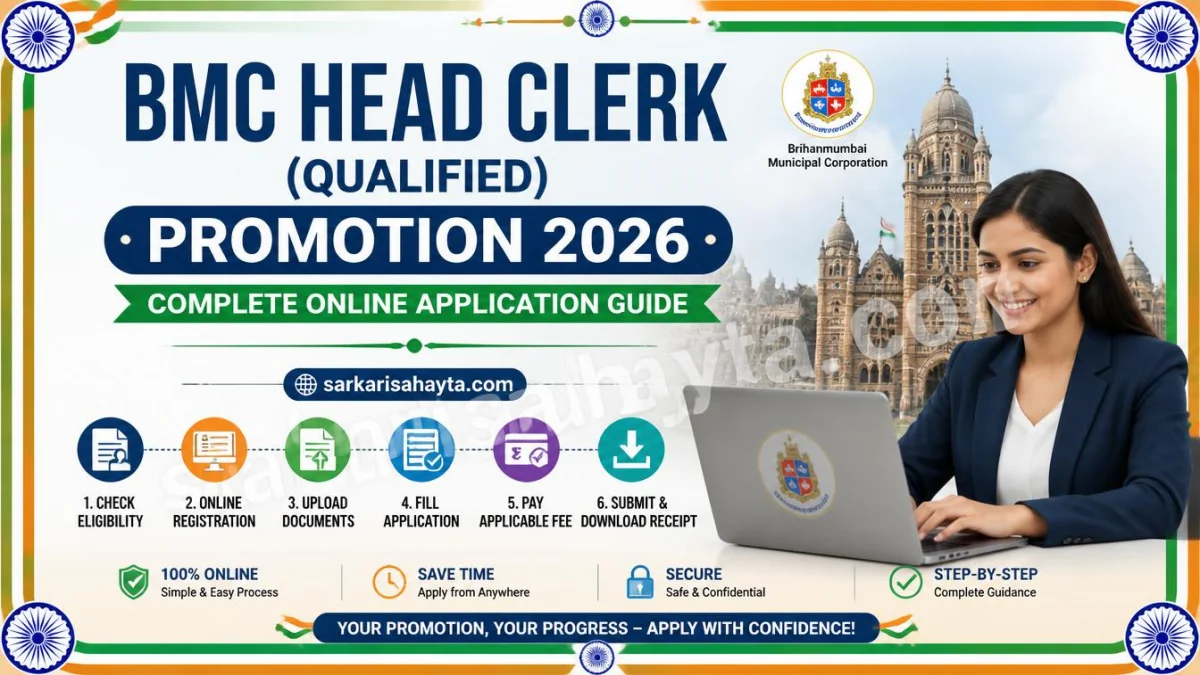
📢 The Brihanmumbai Municipal Corporation (BMC) has announced the schedule and detailed instructions for the promotion to the post of Head Clerk (Qualified). This official notification outlines the registration timeline, application procedure, document upload guidelines, and important points for candidates applying online.
Important Dates for Online Application
| Event | Date |
|---|---|
| Commencement of Online Registration | 16 September 2026 |
| Closure of Registration | 06 October 2026 |
| Closure for Editing Application Details | 06 October 2026 |
| Last Date for Printing Application | 21 October 2026 |
Step-by-Step Guide to Apply Online
- Visit the official BMC recruitment portal and click on “Apply Online”.
- Click on “New Registration” and enter your name, contact details, and email ID.
- Note down the Provisional Registration Number and Password displayed on the screen.
- Use the “Save and Next” option to verify and modify details before final submission.
- Upload your photograph and signature as per the specified guidelines.
- Validate all details and click “Complete Registration” after confirming accuracy.
- Print your application form and e-receipt for future reference.
Guidelines for Scanning and Uploading Documents
- 📸 Photograph: Recent passport-size colour photo (4.5cm × 3.5cm), white background, file size 20–50 KB.
- ✍️ Signature: Signed on white paper with black ink, file size 10–20 KB.
- 👍 Thumb Impression: Left thumb impression on white paper, file size 20–50 KB.
- 🧾 File Format: JPG/JPEG only; resolution minimum 200 DPI.
- 📄 Additional Documents: Date of Birth proof, educational certificates, caste/disability certificate (if applicable), and domicile certificate.
Important Points to Remember
- ✅ Ensure eligibility criteria are met on the date of application.
- 📋 Admission to the online test is provisional until document verification.
- 🧾 Print and retain your application form and e-receipt for reference.
- 🚫 Submit only one valid application; multiple registrations will lead to forfeiture of fees.
- 🌐 Regularly check BMC’s official website for updates and exam dates.
- 📩 Download your call letter and information handout from the BMC website.
- 🏢 BMC reserves the right to modify exam centres based on administrative feasibility.
- 📧 Check your junk/spam email folder for registration-related emails.
Frequently Asked Questions (FAQs)
- Q1: What should I do if the registration page loads slowly?
👉 Retry after 15 minutes or during off-peak hours; heavy traffic may cause delays. - Q2: How do I confirm my registration?
👉 A confirmation page will display your Registration Number and Password. Save and print them. - Q3: I didn’t receive a confirmation email. What should I do?
👉 Check your spam folder or re-register if no confirmation is received. - Q4: Can I edit my application after submission?
👉 Yes, use the “Edit” option before final submission. After completion, no changes are allowed. - Q5: What if my photo or signature is unclear?
👉 Re-upload the image before submitting the form. Ensure clarity and correct placement. - Q6: How can I reprint my application?
👉 Visit the “Re-Print Application” section on the portal and enter your registration details. - Q7: What browsers are recommended?
👉 Internet Explorer 9+, Google Chrome 30+, or Firefox 20+ for best performance.
Final Note
This promotion process for the Head Clerk (Qualified) post by the Brihanmumbai Municipal Corporation (BMC) offers a valuable opportunity for eligible employees to advance their careers. Candidates should carefully follow the application guidelines, upload documents correctly, and stay updated through the official BMC website for examination schedules and notifications.
🔗 Official BMC Portal: mcgm.gov.in